
Appleton People Search
Appleton People Search usually starts with a police request, a municipal citation, or a county court clue. The city department may have the incident report, the municipal court may have the hearing notice, and the county clerk or sheriff may hold the next record in line. This page keeps those local routes together so you can decide where to begin without wasting time on the wrong office. If you already have a report date, a court date, or a name tied to custody, the Appleton trail is straightforward once the record type is clear.
Appleton People Search Basics
The City of Appleton is the right starting point when the search begins with a city report or a local citation. The police department at appleton.org/government/departments/police-department is the city office most people need first, and it sits at 222 S. Walnut Street, Appleton, WI 54911. If you know where the event happened or which department handled it, that detail can save time before you ever make the request.
The image below shows the city-level context that usually comes first in Appleton People Search. It is a good visual marker because many searches begin with the city and only later move into county court or sheriff records.
That city context helps separate a police or citation question from a county court question before you start asking offices for copies.
Appleton Police Records and Request Timing
The Appleton Police Department can be reached at (920) 832-5500, with the non-emergency line at (920) 832-1575. Records requests are made in writing, and the local process expects enough detail to identify the incident before staff can move it forward. Appleton also uses an online request form, which is helpful if you want to submit the request without visiting the department in person.
Timing matters here because the department notes a 5 to 10 business day processing window for standard requests. That means a written request is not usually an immediate-turnaround record, especially if the incident is older or the file needs extra review. If the request involves video or audio, Appleton uses a separate Audio and Video Records Request Form, and the submission path is online only. That makes the Appleton process more specific than a simple copy request.
The image below matches the police-records side of the search. It is useful because Appleton People Search often starts with a report or call-for-service record before it ever reaches a county case.
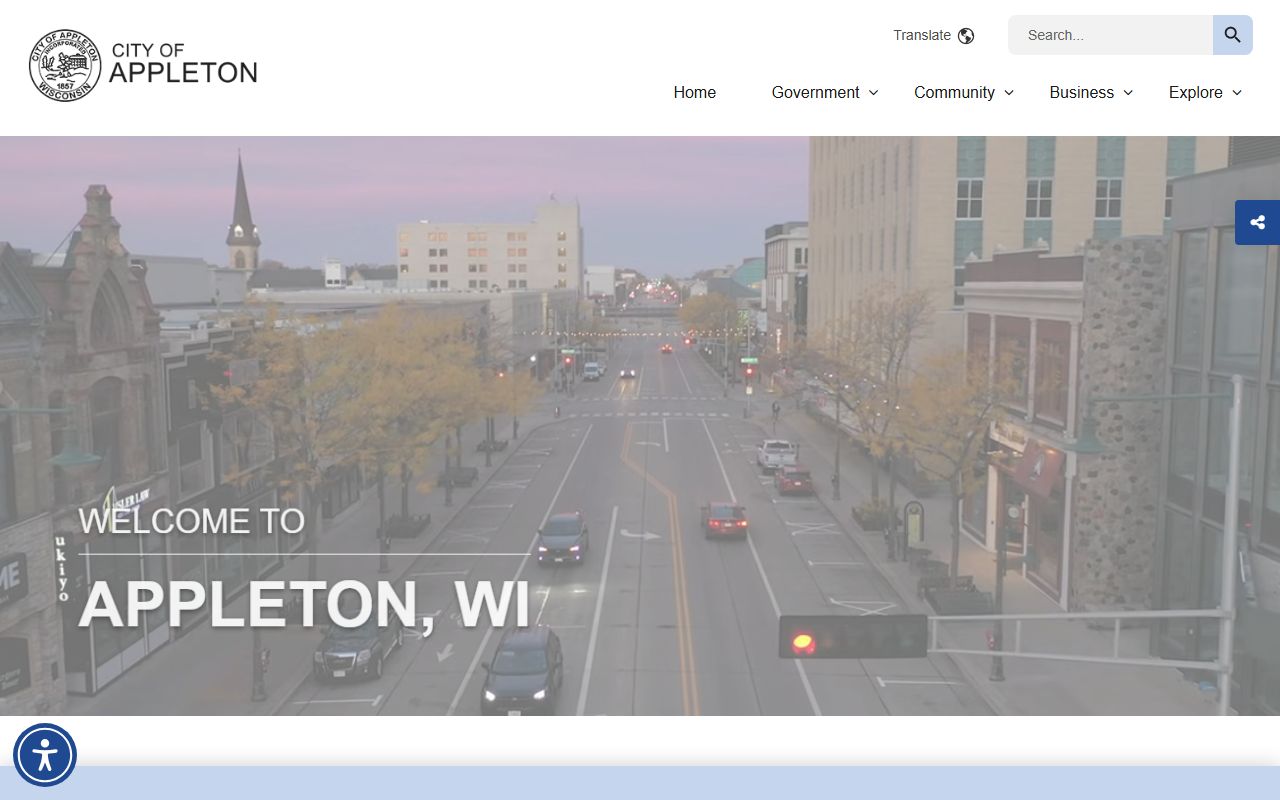
That police image fits the request workflow because it points you toward the department that actually holds the local report.
Appleton People Search and Municipal Court
Appleton municipal court is at 100 N. Appleton Street, Appleton, WI 54911, and the phone number is (920) 832-6150. The court handles traffic citations and ordinance violations, so it is the local office to check when a citation, hearing notice, or court appearance appears in your search. If a matter began with a police contact and later turned into a ticket, the municipal court often has the cleanest record trail.
City court records are useful because they can show the first official step after a traffic stop or ordinance enforcement action. When that is the case, it is better to confirm the city hearing path first and then decide whether the county clerk or sheriff has anything further. Appleton works well as a city page because it gives you the police side and the court side without forcing you to guess which office owns the file.
The City of Appleton home page can help you reorient if the request has drifted away from the police department and toward another city office. That keeps the search local before you move up to the county level.
Appleton People Search Through County Clerk Records
The county clerk of circuit court is the next step when the city clue turns into a circuit court file. The Outagamie County Clerk of Circuit Courts is located in the Justice Center at 320 South Walnut Street, Appleton, WI 54911, and the phone number is (920) 832-5131. That office handles the broader court record, which is where many city matters end up after the first appearance or filing.
The clerk accepts requests in person, by mail, by fax, and by phone when credit card payment is used. That matters when you need a record but cannot visit the courthouse right away. The county clerk page is also the natural place to verify the case route before you ask for a copy, especially if the city clue only gave you a name or a rough date.
The image below gives the clerk side of the record trail a visual anchor. It belongs here because many Appleton searches move from city police into the Outagamie County court system.
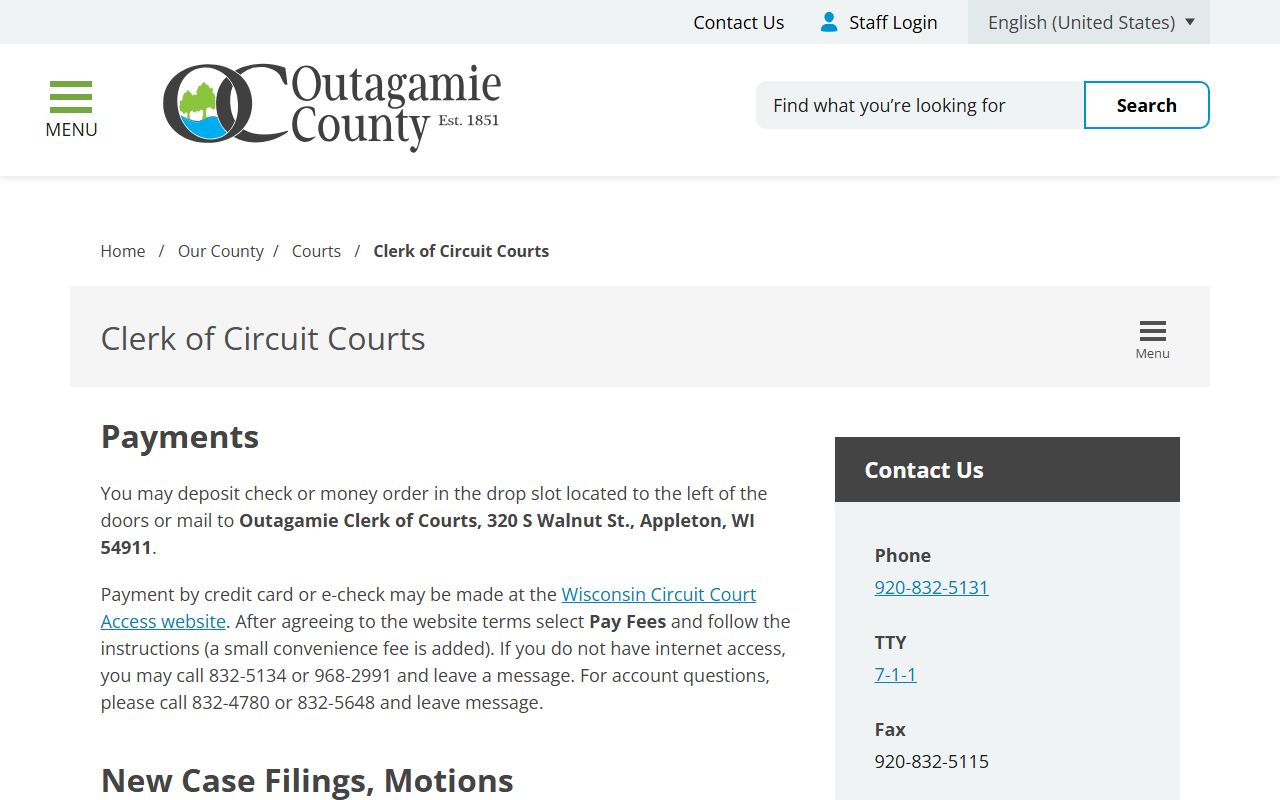
That courthouse image is a good reminder that the city and county pieces of the search are connected, but they are not interchangeable.
The clerk page also notes online access through WCCA, which is useful when you need to see whether a case exists before you ask for a paper copy. If you are mapping the broader county system, the county portal and the county main page both give you a wider starting point.
Appleton People Search Through Sheriff Records and VINE
When a city search turns into a custody question, the sheriff side is usually the next stop. The Outagamie County Sheriff's Office is at 3030 East Goodland Drive, Appleton, WI 54911, and the records division phone number is (920) 832-5605. The office can handle open records requests in person or during business hours, which is helpful when a city clue points into jail or law-enforcement records rather than a court file.
The county also uses VINE as a custody lookup tool. That makes VINE a practical status check when you need to know whether a person is still in custody or whether another record path is now more relevant. Appleton People Search works best when you use the city police office first, then move to the sheriff or VINE only if the facts point that direction.
Next Steps for Appleton People Search
Appleton searches are easier when you separate the question before you call. Use police records for incident reports and request forms, municipal court for citations and ordinance matters, the county clerk for circuit court files, and the sheriff or VINE for custody checks. If the record includes audio or video, remember that Appleton uses a separate request path for that material, so a standard report request may not be enough.
If you still need a starting point, the City of Appleton, the county portal, and the county main page can help you decide whether the next stop should be police, court, or custody. The search widget below is there for the times when you want to keep moving after the first pass through the local offices.