
Chippewa Falls People Search
Chippewa Falls People Search works best when the first clue points to the office that made the record. In Chippewa Falls that usually means the police department, the city clerk, or a state system that can confirm what happened next. A street address, a date, and one correct name often matter more than a broad search phrase. This page keeps the city offices and Wisconsin reference tools in one place so you can move from a local lead to a record with less guesswork. When the city file is not enough, the state court, vital records, and corrections pages help fill in the rest.
Chippewa Falls People Search Basics
For Chippewa Falls People Search, the quickest first step is usually deciding whether the record belongs with the police desk or the city clerk. That matters because a person can show up in a public safety file, a municipal notice, or a city administrative record without the same kind of details in each place. If you are holding only a name and a rough date, the city offices can usually tell you whether you are on the right track before you spend time on a wider search.
The Chippewa Falls Police Department is at 210 Island Street, Chippewa Falls, WI 54729, and the phone number is (715) 723-4424. The non-emergency number is the same. That makes the office easy to reach when you want to confirm whether a report exists, whether an incident was logged locally, or whether the matter belongs in a different Wisconsin system. A short request with the date, location, and person name is usually more useful than a broad summary.
The Chippewa Falls City Clerk is at 30 W. Central Street, and the phone number is (715) 723-0054. That office is the better fit for municipal records, agendas, notices, and other local files that are not police reports. If your Chippewa Falls People Search starts with a city address or a public meeting clue, the clerk side may answer the question more directly than a law enforcement request.
For a statewide court reference while you sort the local trail, the Wisconsin court system page at wicourts.gov is a clean place to confirm whether a city clue turned into a court file.
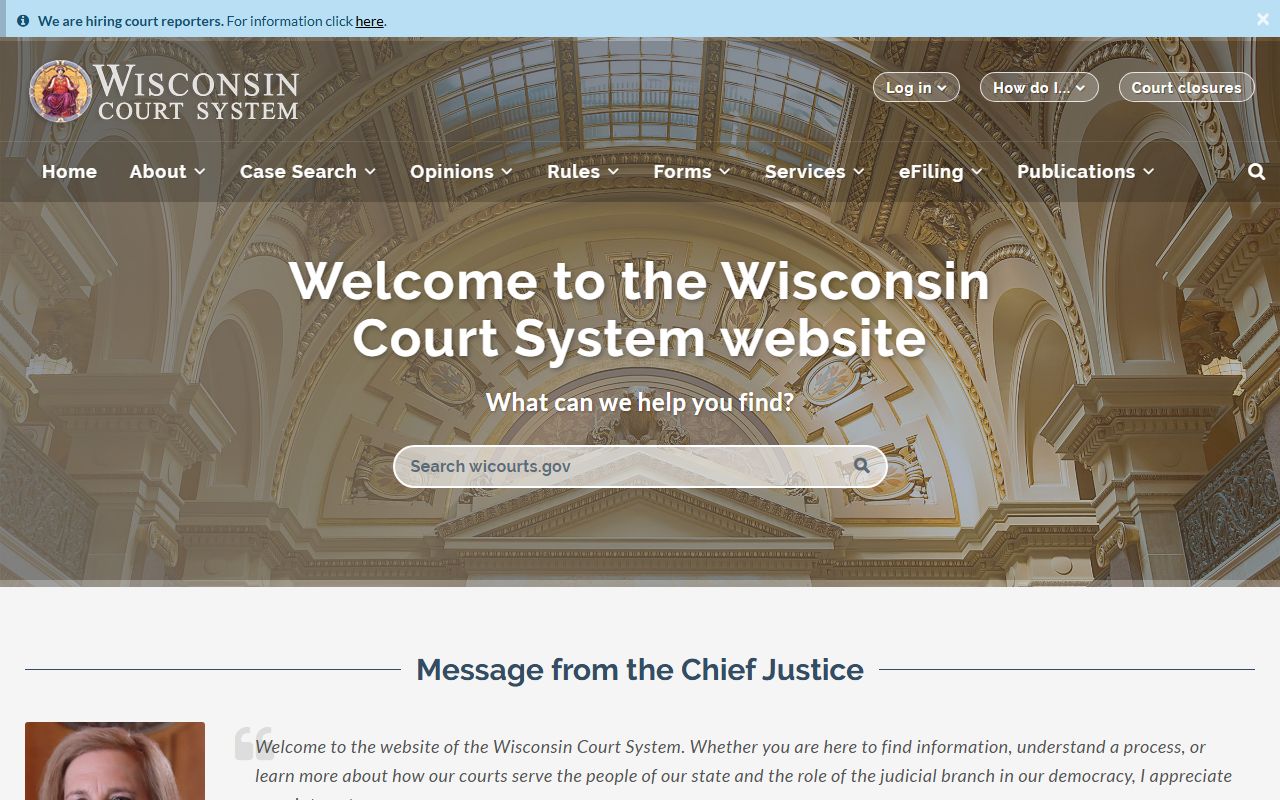
That statewide view works well when a Chippewa Falls name needs to be checked against the broader Wisconsin court structure instead of staying only with the city office.
Chippewa Falls People Search and Police Records
The police department is the right place when the record began with an incident, complaint, traffic contact, or another public safety event. Because the main and non-emergency phone number are both (715) 723-4424, the office is straightforward to contact once you have the basic details. A good Chippewa Falls People Search request usually includes the date range, the address or block, and the person name if you know it. That keeps the request focused on one event instead of a citywide name match.
If the question is about a report copy, the police office is still the starting point even when the same person later appears in a court or corrections record. That is because the police file tells you what happened first and whether the next step belongs with a court, a clerk, or another state page. When the incident has a court component, the Wisconsin Circuit Court Access site is the best follow-up because it helps you see whether a case number or hearing record exists.
People Search work in a city like Chippewa Falls often improves when you separate the local event from the later record trail. The police office can tell you whether a report is active, whether it was handled locally, and whether the search needs a court follow-up. That kind of sorting is useful when a name appears in more than one place but the file you want started with one very specific call or contact.
Once you have the police response, it is easier to decide whether the next step is a court lookup, a clerk request, or a state directory check.
Chippewa Falls People Search and City Clerk Files
The city clerk office is where Chippewa Falls People Search turns from a police question into a municipal records question. That office handles city paperwork that may include notices, meeting records, local filings, and other administrative material tied to the city rather than to law enforcement. If your clue is an address, a neighborhood reference, or a person who appears in city business rather than a police event, the clerk path may be the faster route.
At 30 W. Central Street, the clerk side gives you a direct local contact point when you need to ask whether the record is open, where it is stored, or what kind of document is available. That is useful because a city record can answer a different question than a police report even when both mention the same person. Chippewa Falls People Search becomes easier once you decide whether you are trying to prove a contact, a city action, or a public notice trail.
If you are comparing an address clue or residence context, the state vital records page at dhs.wisconsin.gov/vitalrecords/index.htm is a practical reference for the Wisconsin identity side of the search.
That image is useful because a Chippewa Falls People Search sometimes needs an address cross-check before the city office can confirm the right person.
Court, Vital Records, and State Tools
When a Chippewa Falls People Search leaves the city office, the Wisconsin court system is usually the next layer to check. The WCCA search at wcca.wicourts.gov helps you look for case information tied to a person, case type, or docket history. That matters when the city clue is only part of a larger legal record.
The Wisconsin State Law Library can help you find court guidance, forms, and statewide research support without guessing which page fits the problem. It is especially helpful when you know the name and the city but still need to understand the record format or the next step in the court process. That makes the search more structured and less dependent on trial and error.
If the Chippewa Falls clue is about a birth, death, or name-history issue, the state vital records page is the correct reference. Vital records often explain why a person appears under more than one name or why an address trail shifts over time. For a people search, that kind of context can matter as much as the record itself.
These state tools are not replacements for the city offices. For one final statewide check, the Wisconsin State Law Library can help you confirm the next step before you leave the city record trail.
Chippewa Falls People Search Next Steps
The most efficient Chippewa Falls People Search path is to start local, identify the office that owns the record, and then move to the state layer only when the city file is incomplete. If the issue is a police event, call the police department. If the issue is a municipal file, start with the city clerk. If the issue has already moved into a court or state record, use the Wisconsin tools above to keep the search moving without restarting from scratch.
When the trail suggests a custody or corrections question, the DOC offender locator at appsdoc.wi.gov/lop is the state check to use. It gives you a corrections-side reference that can confirm whether a person is in the Wisconsin system, which helps when a name is tied to more than one public record source. That is a different question from a city report, so it is better to keep the checks separate.
For a final review, the state law library at wilawlibrary.gov can help you confirm whether the answer belongs with the city, the courts, or a corrections record. That is often the cleanest way to finish a Chippewa Falls People Search because it keeps the request tied to the right office and the right document type.
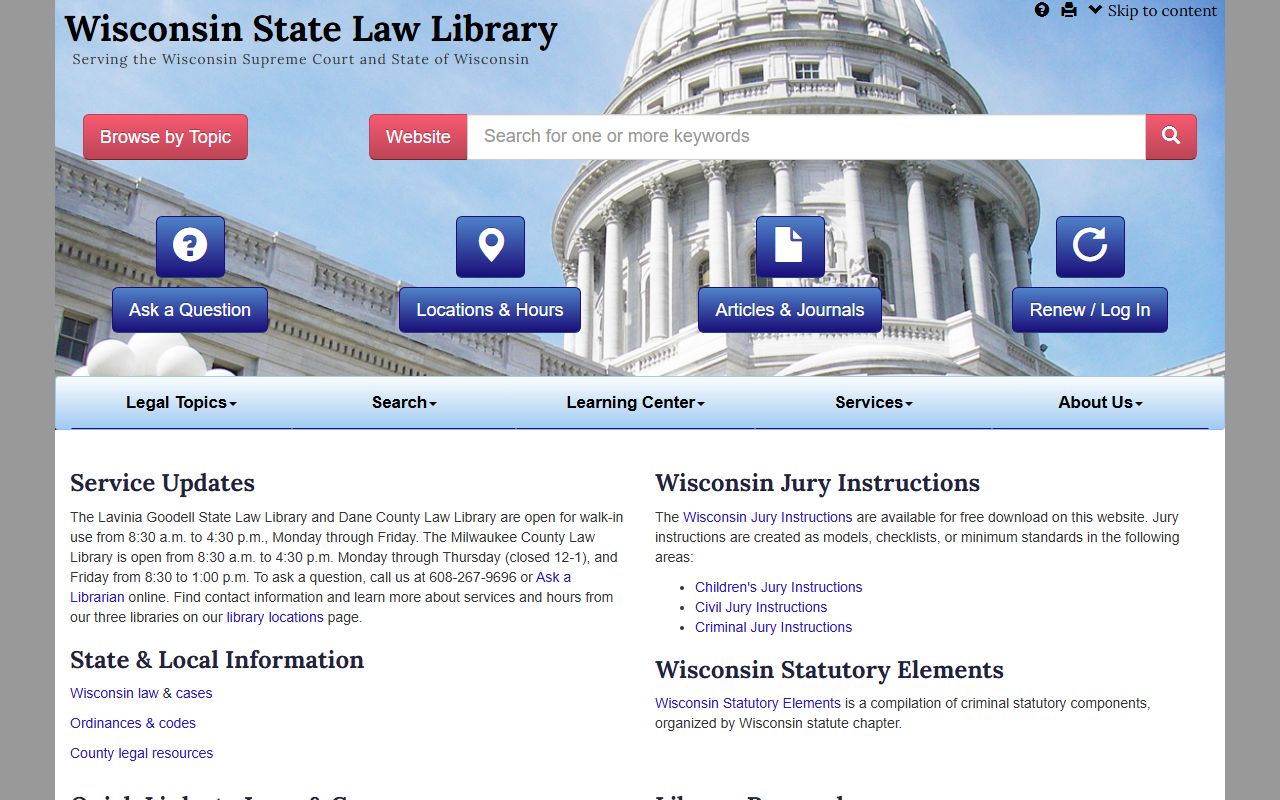
That closing image fits the follow-up stage because the law library is where many city search questions turn into a clearer statewide record path.