
Elkhorn People Search Basics
Elkhorn People Search works best when you treat the local offices as separate checkpoints instead of one combined source. The police department and the city clerk are both at 9 S. Broad Street, which makes the first step simple, but the record types are still different. If you have a name, an address, or even just a rough year, you can usually narrow the trail by deciding whether the clue is a city incident, a municipal file, a court matter, or a state record. That approach keeps the search organized and makes it easier to know which office should answer next.
Elkhorn People Search and City Offices
The Elkhorn Police Department is at 9 S. Broad Street, Elkhorn, WI 53121, and the phone number for both the main and non-emergency line is (262) 723-2210. That makes it the first place to call when the search is about an incident report, a crash, a call for service, or another public-safety record. The more clearly you can connect the request to one event, the easier it is for the police department to tell you whether the record is available and whether the file you need starts there.
The Elkhorn City Clerk is also at 9 S. Broad Street, and the phone number is (262) 723-2212. That office handles city-held documents such as meeting material, ordinances, notices, and other municipal records that are not police files. Elkhorn People Search is more efficient when you separate those roles early. A single downtown address can hold both offices, but the search only gets easier when you choose the office that actually owns the document you want.
When the local clue begins to look like a court matter, the statewide case index at WCCA is the best next step. It gives you a public way to confirm whether the name appears in a circuit court record before you ask the city for a copy or broaden the request. That keeps the search from drifting into the wrong office and helps you decide whether the answer is still local or has already moved into the court system.
The court index image at WCCA fits this point in the search because it is often the first sign that the trail has moved beyond the city desk.
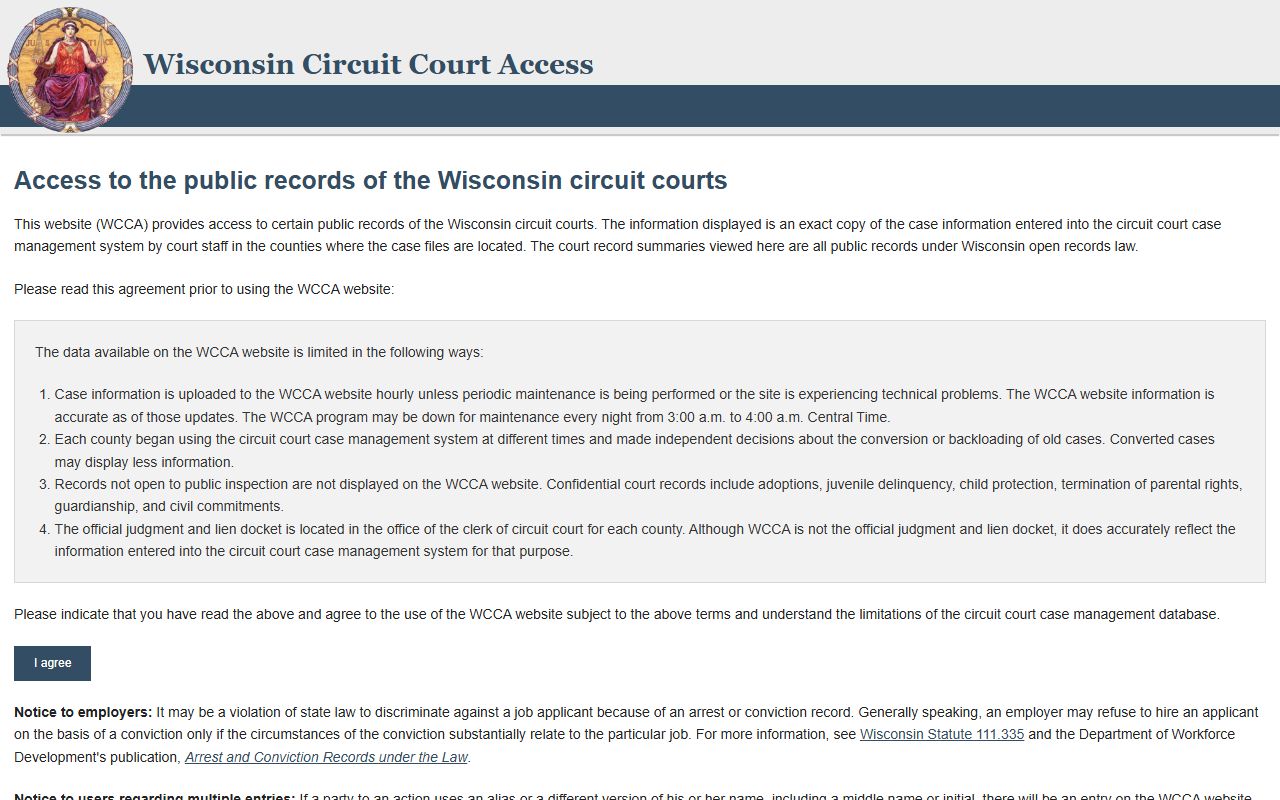
That visual check is useful because it shows how a local Elkhorn clue can become a public court record before you ever need a certified copy.
Elkhorn People Search and Court Records
Once Elkhorn People Search turns toward a court file, the statewide resources become the most useful next step. The Wisconsin court system page at wicourts.gov gives you the broader structure of the courts, while WCCA provides the public case search layer. That combination is important because a city file, a municipal note, and a circuit court docket are not the same thing even when they involve the same person.
The Wisconsin State Law Library at wilawlibrary.gov can help you interpret public legal terms before you request more information. It is especially useful if a city clue includes a court phrase, a filing reference, or another term that needs context. Elkhorn People Search tends to go more smoothly when the terminology is clear, because then you can tell whether you are looking for a docket entry, a case summary, or a document copy.
If the matter points to a person record that is held by the state, the Department of Corrections locator at appsdoc.wi.gov/lop gives you a direct public check for custody or supervision status. That is a different kind of search from the police or clerk office, but it becomes useful as soon as the trail stops looking local. The point is not to force every name into a court or corrections search, but to use the right state tool when the local office has already pointed you there.
The broader court-system image at wicourts.gov fits the same step because it shows the public record side of the search once the city clue has been confirmed.
That image helps show why the court system matters when Elkhorn records move from a city office into a public case file.
Elkhorn People Search for State Records
Some Elkhorn People Search questions are really state record questions. The Wisconsin vital records page at dhs.wisconsin.gov/vitalrecords/index.htm is the public source for birth, marriage, death, and divorce records. That makes it useful when the search turns into identity verification, family history, or another certificate issue that sits outside the city clerk or police department.
MyVote Wisconsin at myvote.wi.gov is another practical state reference when the issue is registration or a current address-related public status check. It can help you compare a name to a current voter record trail without mixing that question with a city report or a court docket. If the record trail is changing over time, the voter page can be a useful way to confirm the more recent public reference point.
The DOC locator at appsdoc.wi.gov/lop is the last state check to keep handy when the question is custody or supervision. It is fast, public, and specific, which makes it a strong follow-up when the person you are searching for no longer fits the city record path. Elkhorn People Search becomes more manageable when you use the state tools one at a time rather than trying to make one database do every job.
The law-library image at wilawlibrary.gov is a good visual fit for the part of the search where you need context before you request the record.
That image works well here because a state reference often makes the rest of the Elkhorn search easier to understand.
Elkhorn People Search Next Steps
The most reliable Elkhorn People Search path is straightforward. Start with the police department for incident and report questions, use the city clerk for municipal files, use WCCA and the Wisconsin court system when the clue becomes a public case, and use the state vital records, DOC locator, or MyVote pages when the search points to a certificate or status check. That order keeps the search tied to the office that actually owns the record instead of turning every request into a broad city search.
If the first result is incomplete, compare the spelling, date, and address against the next source before you widen the request. A small mismatch is often enough to hide a record from the first search, especially when the name is common or the record moved from one office to another over time. Elkhorn People Search works best when you let each office answer one piece of the question and then use the next source to confirm the rest.
If you only have part of a name, do not skip the local office just because the state tools are convenient. The city result and the state result often reveal different details, and comparing them side by side usually makes the next request more accurate.
When you want one more pass after the city and state checks, the search widget below is available for a broader public-records lookup.