
Madison People Search
Madison People Search usually works best when you decide early whether the record lives with police, the city clerk, municipal court, or Dane County. The city has a strong public records process, but each office still keeps its own files and its own timing. That means a name search alone is not always enough. If you know the kind of record you want, the request can move straight to the right desk, and if you do not, the city and county pages below help you narrow the trail without wasting time on the wrong office.
Madison People Search Basics
The police records request page at cityofmadison.com/police/data-records/records-requests is the main starting point for Madison police reports and related record requests. The department lists phone contact at (608) 266-4075, and the request page explains that simple public records requests generally take 4 to 5 months, calls for service requests usually take 1 to 2 weeks, and requests that include video average 5 to 6 months. Those timing differences matter because they tell you which kind of Madison search can move quickly and which one needs patience.
That same page also makes it clear that requests can be made online, by phone, by fax, by email, by mail, or in person. For a Madison People Search, that flexibility is useful because not every record begins with the same level of detail. A report number, a date, or a call location can help the Records Section narrow the request, but even a name can be enough to get started when you know the correct office. The key is to keep the scope focused so the request does not drift into a broad search that takes longer than it should.
The Madison Police Records page is also helpful because it explains how the records section handles external requests. If you need a police report, a call for service detail, or video-related material, that page is the more direct route than a generic city contact page. It is a good fit when the person you are looking for is tied to a police contact instead of a court filing.
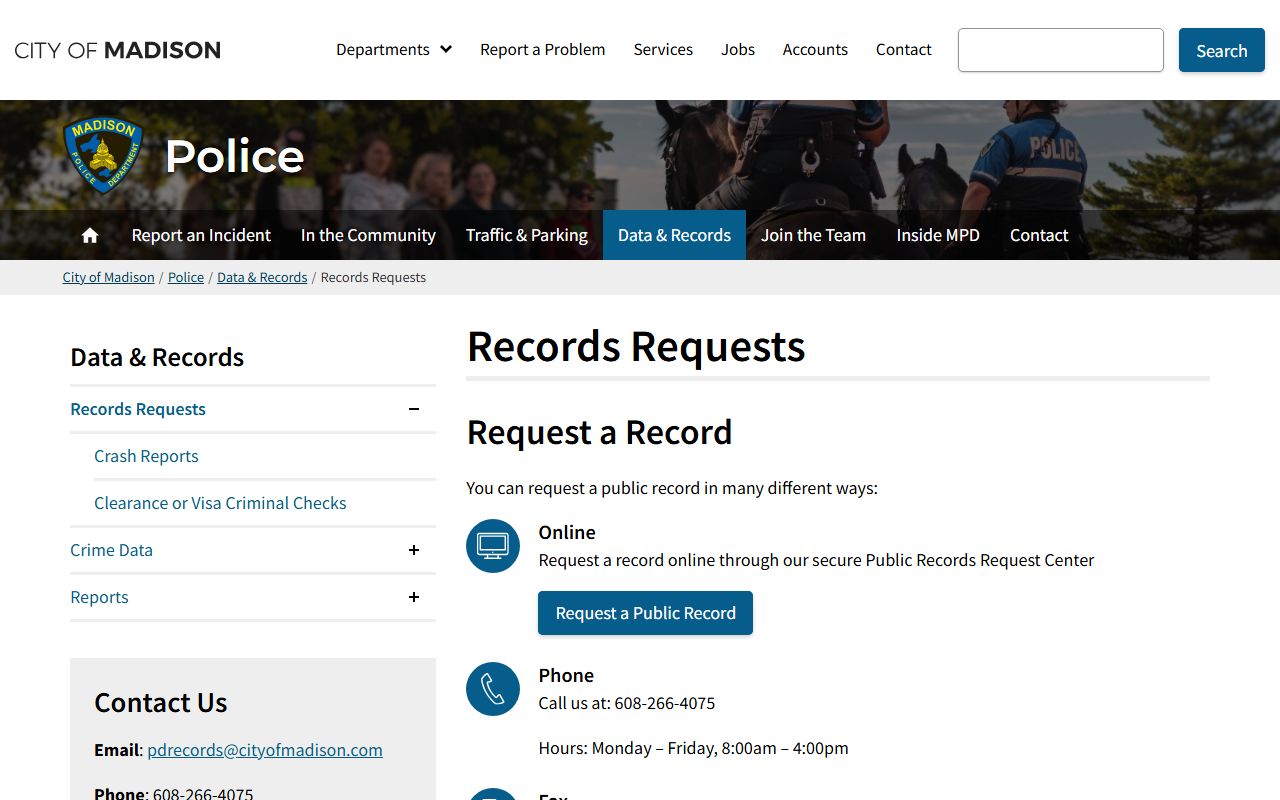
That image fits the records-first approach that works well in Madison, where the request type determines the speed of the response.
Madison People Search City Clerk and Public Records
The City Clerk page at cityofmadison.com/clerk/ is the city side of the Madison records trail, and the public records page at cityofmadison.com/clerk/about/public-records explains how residents can request access to city records. The clerk office page also gives the contact path for the office at 210 Martin Luther King Jr. Blvd., Room 105, Madison, WI 53703. That address is useful when your search is about council materials, licensing files, or records that belong to the city rather than the police department.
Madison also publishes a public records framework that points requesters toward the right custodian. That matters because the city clerk is not the answer to every question, but the clerk office can help you sort out whether a record belongs with the Common Council, an alder, or another city department. In a Madison People Search, the clerk page often acts like a map more than a mailbox. It tells you which office owns the file before you spend time asking the wrong desk.
The public records page at cityofmadison.com/clerk/about/public-records also notes open data and records custodian guidance, which is useful if you want to compare a searchable city dataset against an actual document request. That difference matters when you are trying to decide whether a person, place, or incident is already published online or whether the record still needs a direct request from the custodian.
That city clerk image matches the local records desk where municipal files, council materials, and other city-held records are organized.
Madison Municipal Court and County Records
The Madison Municipal Court page at cityofmadison.com/municipal-court/ is the right stop for municipal cases, ordinance matters, and city-level court records. The court office is at 210 Martin Luther King Jr. Blvd., Room 203, Madison, WI 53703. If the person or incident you are searching is tied to a city citation or municipal proceeding, the court page gives you a more direct route than a general county search.
Dane County offices matter once the search moves outside city-only records. The county clerk of courts at courts.countyofdane.com is the next step for county court records, while the sheriff page at countyofdane.com/sheriff covers law enforcement and jail-related information. The register of deeds at rod.countyofdane.com is the place for property records, and Access Dane at accessdane.countyofdane.com is a useful public entry point when the search starts with land or property instead of a court docket.
If the municipal case file is not enough, the Dane County clerk of courts at courts.countyofdane.com is the next office to check. Madison People Search often works in layers because the city, the county, and the court each keep separate records. The county tools can extend the search into property, jail, or circuit court records without making you start over from scratch. That layered structure is a strength when you know where to look next.
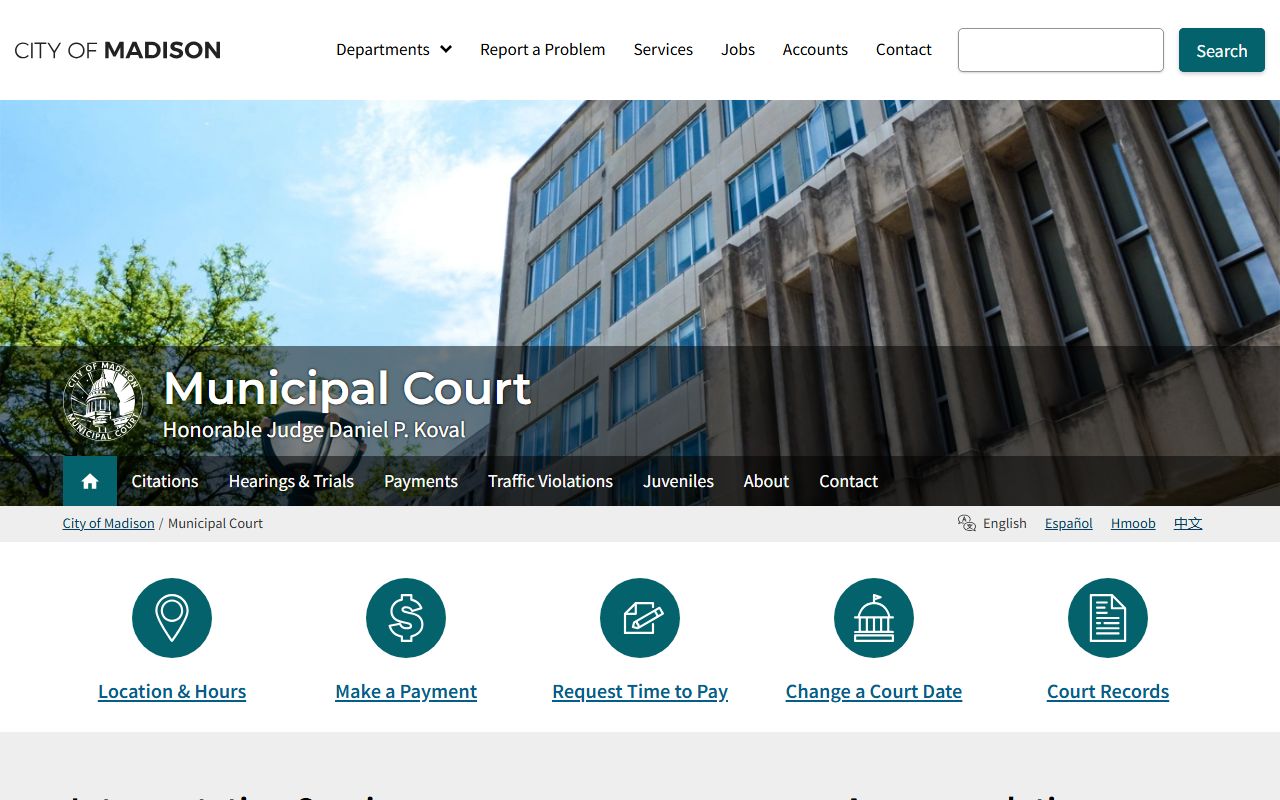
That municipal court image reflects the city-level courtroom route that sits beside, not inside, the county record system.
Madison People Search Next Steps
When a Madison search reaches a point where the city records are not enough, the county tools can keep the trail moving. Access Dane is especially useful if the record is tied to property, parcel data, or another local land question. If the issue is a court docket, the Dane County clerk of courts can confirm the file. If it is a custody or police matter, the sheriff page is the better follow-up. The main idea is to match the record to the office, then use the office page to avoid guessing.
The city and county websites are strongest when you already know the record type. A name plus a date can be enough to start, but a name plus a police contact, a municipal citation, or a parcel number gives you a much cleaner result. That is why Madison People Search works better as a sequence of targeted checks than as a single broad query. The office pages tell you where the file is, and the search pages tell you what is already public.
Access Dane at accessdane.countyofdane.com is a practical fallback when you want to compare property or parcel data against a city or court name. If you want another pass, the bottom search box lets you keep looking from a different angle.
That city image is a useful reminder that not every Madison record lives in the same place, even when the subject is the same person.