
Rhinelander People Search Guide
Rhinelander People Search usually starts with a city office that can confirm whether the clue belongs to a police record, a clerk file, or a Wisconsin system. In Rhinelander, the police department and city clerk are not in the same building, so the first step is figuring out which office matches the record type. That matters when you only have a name, a street, or a date and want to avoid chasing the wrong source. This page keeps the local and state paths together so you can move through the search in a sensible order.
Rhinelander People Search Basics
The Rhinelander Police Department is at 201 N. Brown Street, Rhinelander, WI 54501, and the main phone number is (715) 365-5300. The City Clerk is at 135 S. Oneida Avenue, Rhinelander, WI 54501, with the phone number (715) 365-8605. Those different addresses make it easier to see that police and clerk requests serve different purposes, even though both are part of the same city search.
When a People Search begins in Rhinelander, the office you choose should match the clue you already have. If the clue came from an incident or a recent contact, police is the first call. If the clue came from a city document, meeting reference, or local filing, the clerk is usually the better fit. That simple split keeps the request focused and saves time when you are trying to identify the right office before you ask for a copy.
Rhinelander Police and City Clerk Contacts
The Rhinelander Police Department at 201 N. Brown Street is the right starting point when the search involves a report, a call, or another public safety contact. The phone number is (715) 365-5300, and that line is the most direct way to ask whether the department has the record you need. If you already have a date and location, you can usually narrow the question quickly before you move on to anything else.
The City Clerk at 135 S. Oneida Avenue is the local office for city-side records and municipal questions. The phone number is (715) 365-8605. That office is the better fit when the search is about a city document, a notice, or a local administrative record that is not a police file. In a Rhinelander People Search, the split between police and clerk is the first major decision because each office keeps a different kind of public material.
Rhinelander People Search and City Clerk Files
When the clue points toward city hall, the clerk office is the place to stay. A municipal file, a local notice, or another city-held document usually makes more sense there than at the police desk. If you have already ruled out a police report, the clerk office can be the cleaner starting point because it is set up for city records rather than public safety records.
That distinction matters in a city like Rhinelander because a person can appear in more than one local record without the same file living in both places. If you know the name and the approximate date, a clerk call can often tell you whether the record exists and where it should be requested. That keeps the search from becoming a broader hunt than it needs to be.
For a public address and registration cross-check, MyVote Wisconsin is a useful state fallback when a Rhinelander clue needs another confirmation point.
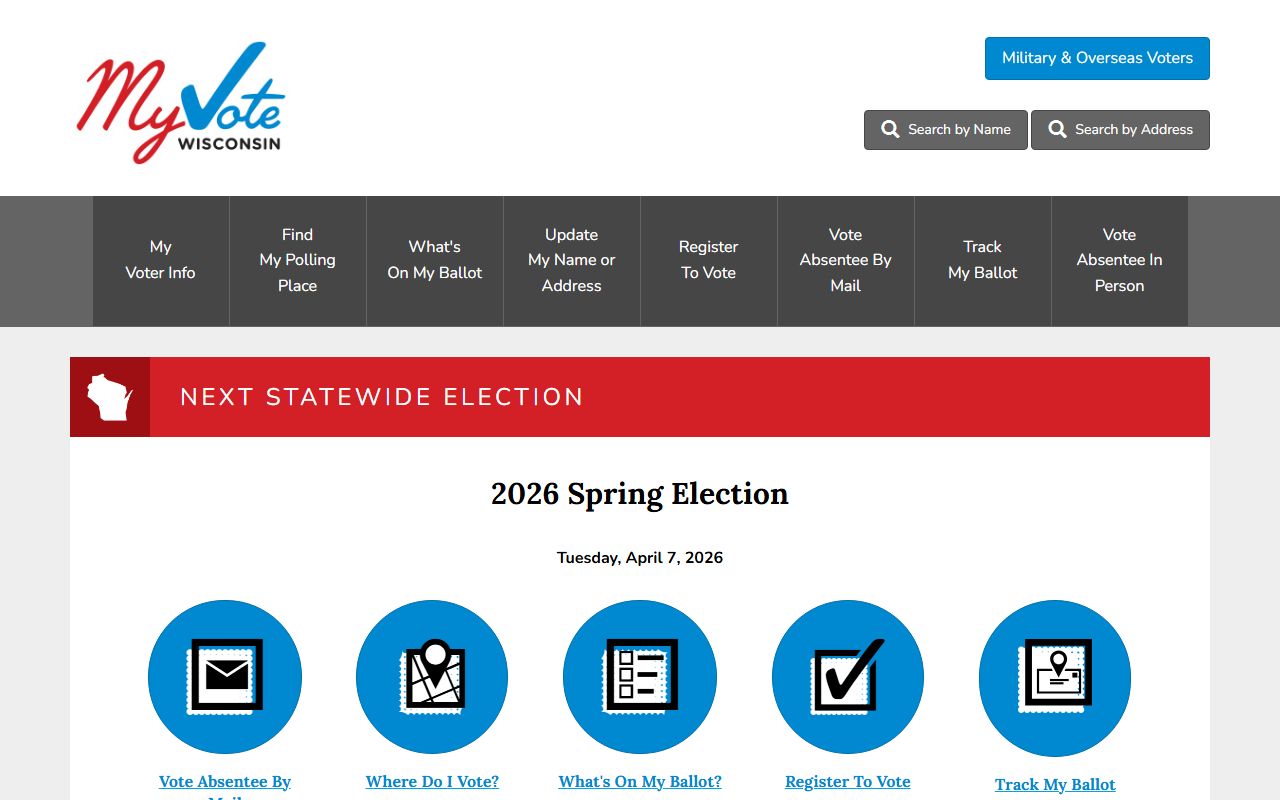
That image works here because a city file sometimes needs a simple public cross-check before you move on to court or another state source. It is a reminder that the local clue is often only the first part of the search.
Rhinelander People Search and Wisconsin Courts
When the city clue turns into a case question, WCCA is the first Wisconsin tool to check. It lets you search public circuit court case information by name or case number, which is helpful when a Rhinelander record has moved beyond city hall. The public index can confirm whether a person appears in court records before you contact a clerk for more detail.
Wisconsin Court System is the broader state site that helps you understand the structure behind the search. That matters because a public index entry is not the same thing as the underlying file. If you already know that the search belongs in circuit court, the state page gives you the context you need to ask for the right document instead of guessing.
Rhinelander People Search and State Records
Some Rhinelander People Search questions end in a certificate rather than a city or court file. The Wisconsin vital records page at dhs.wisconsin.gov/vitalrecords/index.htm is the best public reference when the clue is about a birth, marriage, death, or another life-event record. If the local search is really about identity or family context, that page can be more useful than a police or clerk request.
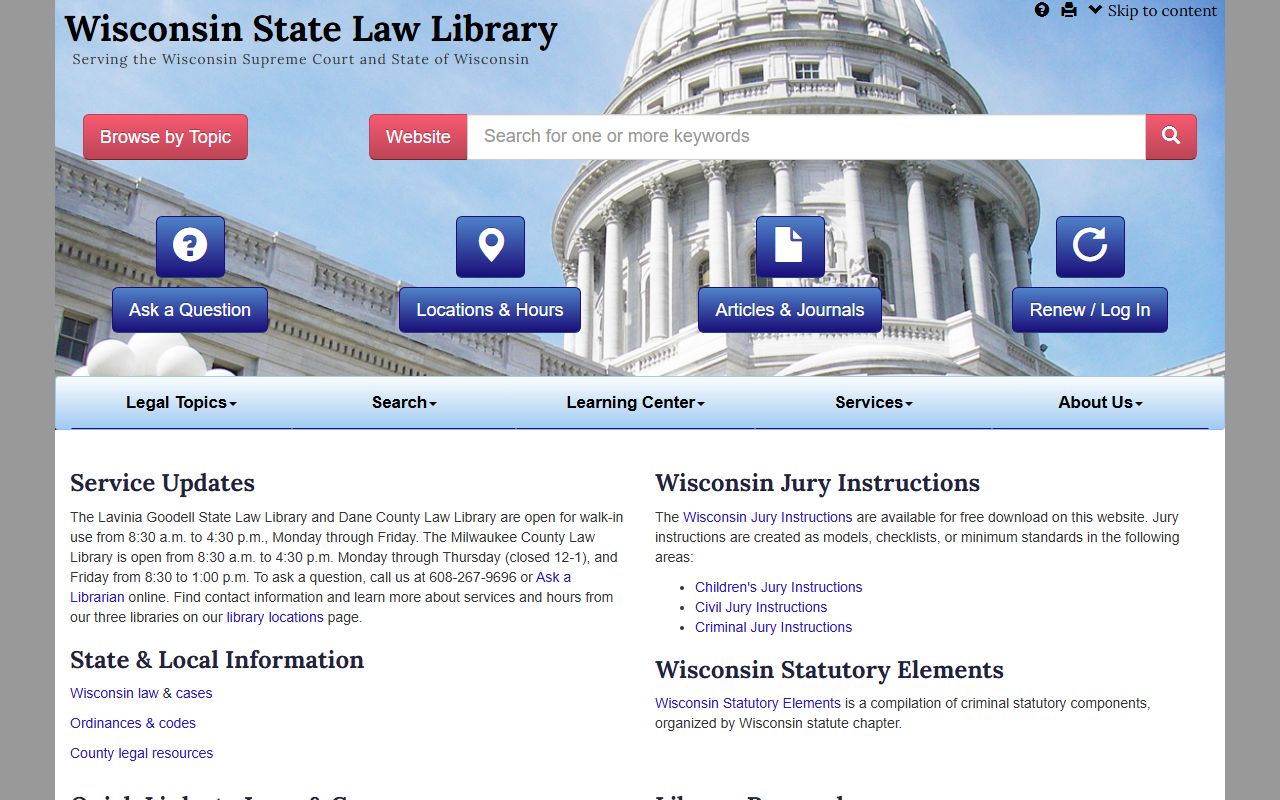
That image fits the research side of the search because the Wisconsin State Law Library at wilawlibrary.gov can help explain public record terms and court organization before you ask for a file. If the question later shifts into custody, the DOC locator is the next state check. For a current voter or registration clue, MyVote Wisconsin is the public state resource to use.
Rhinelander People Search Next Steps
The cleanest Rhinelander workflow is to start with the office that matches the clue, then move outward only if that office cannot answer the question. Police handles incidents and recent contacts, the clerk handles city files, WCCA confirms public court entries, and the state pages help with certificates, custody, or voter context. That order keeps the search efficient and avoids making every request sound like the same kind of record.
If the first answer is incomplete, keep the date, name, and address together as you move to the next source. That small habit makes a People Search easier because the next office can see exactly what was already checked. Rhinelander records are easier to trace when the search stays tied to a specific clue instead of a broad name only.
When in doubt, start with the record type rather than the city name. That is usually the difference between a fast search and one that keeps circling between city hall and the state pages without landing on the right file.