
Two Rivers People Search
Two Rivers People Search works best when you keep the city office, the state court tools, and the public record trail separate from the start. A police matter, a clerk file, or a statewide case reference can each answer a different part of the question, so the first step is deciding which office is most likely to have created the record. This page keeps those paths in one place so you can move from a name or date to the right source without guessing. When the local clue is thin, the Wisconsin court tools can still help you confirm whether the person appears in a public record.
Two Rivers People Search and City Offices
The Two Rivers Police Department is at 1717 E. Park Street, Two Rivers, WI 54241, and the main and non-emergency phone number is (920) 793-1191. That makes the police desk the first contact when a search begins with a report, an incident, or a request tied to public safety. When the clue is still rough, the office can help you sort out whether the record belongs there or whether you should move to a different city or state source.
The Two Rivers City Clerk is at the same address, 1717 E. Park Street, and the phone number is (920) 793-5532. That office is the better fit when the question is about a municipal file, a city meeting record, or another document created by city administration. In practice, that means Two Rivers People Search often starts with a local call and ends with a better understanding of whether the record belongs with police or the clerk.
The same building address can make the offices feel close together, but the records themselves are still different. Police handles public-safety questions, while the clerk handles city administration and records that come out of municipal business. If you already know the date or the general location, that detail can help the office place the request faster. If you only have a name, a short explanation of what happened is usually the next best thing.
Police and Clerk Details for Two Rivers
When Two Rivers People Search begins with police, the useful facts are the incident date, the general location, and the person name tied to the event. Those details help the department identify whether it has the record and whether the request is a report, a complaint, or something that needs a different city office. Because the non-emergency number is the same as the main number, the call is simple to place and easy to route.
The city clerk is best when the paper you need came from city operations rather than public safety. That can include municipal records that were created because the city needed to document an action, a meeting, or a routine administrative step. If you are unsure which office owns the file, the clerk can often help you narrow the issue before you spend time on a statewide search. That is especially useful when the clue is a name but not a report number.
Two Rivers also benefits from a clear record question. A police record is not a court record, and a clerk file is not necessarily a police file. Once you know which type you need, you can move more confidently to the next source. That keeps the search organized and reduces the chance that one office will send you to another because the request was aimed at the wrong desk from the start.
Two Rivers People Search Through State Court Records
The statewide court index at WCCA is the best public check when a Two Rivers search may have moved beyond city records. It can help you confirm whether the name appears in a circuit court case before you call any clerk office. That matters because a city clue can easily turn into a county or state case, and WCCA gives you a fast way to see whether the person belongs in a public court record at all.
The image below fits that step because WCCA is often the bridge between a city name and the statewide court system. It is especially useful when you need confirmation before you spend time asking for a file that may not exist in the city office.
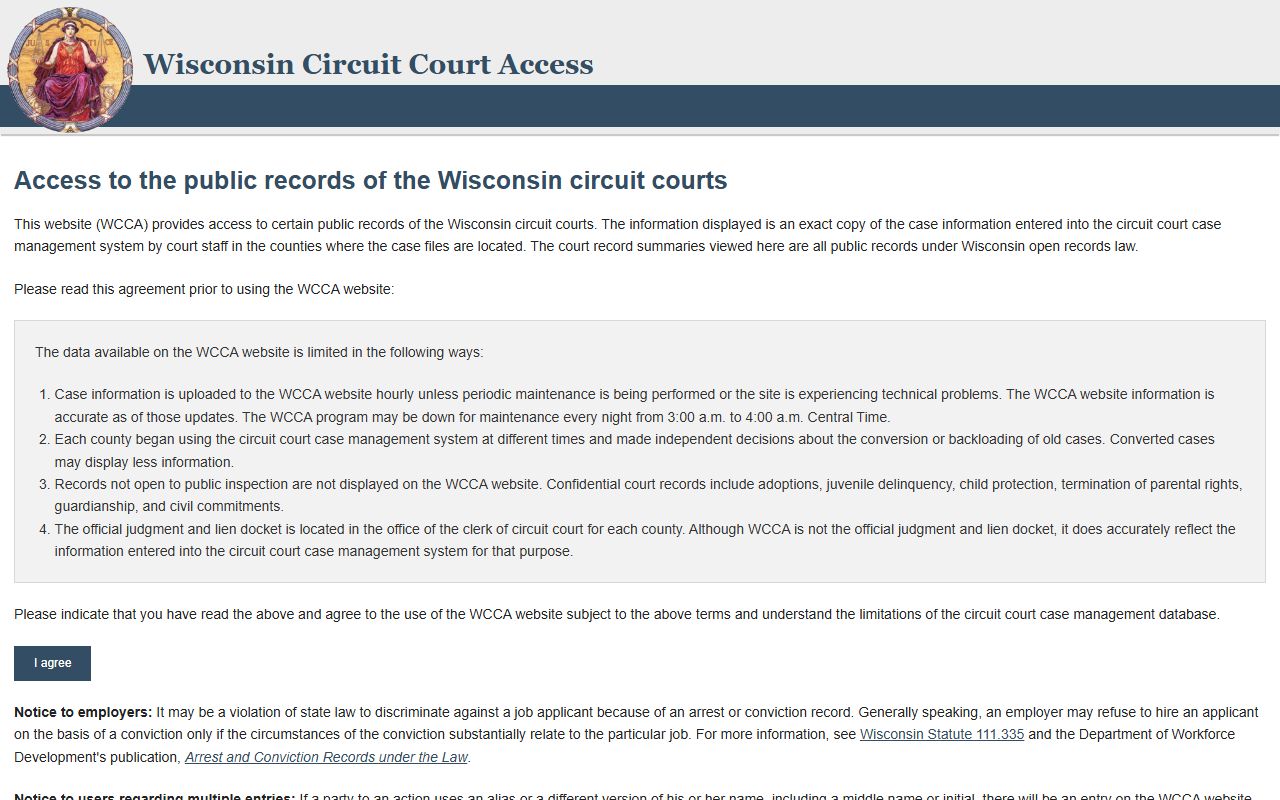
That public index is not the whole answer, but it is an efficient one. If WCCA shows a case, the next move is usually to figure out which clerk office controls the file. If it does not, the city offices may still be the better fit. Either way, the search is more precise once you have a statewide confirmation point.
The Wisconsin Court System page gives the broader statewide structure behind the index, and the Wisconsin State Law Library adds background research help when you need to understand court terminology or official legal references. Those pages are useful when a Two Rivers People Search needs context more than a copy request.
State Tools for Two Rivers People Search
Some searches need more than court status, especially when you only have a partial name or a rough identity clue. The MyVote Wisconsin site can add a public state reference point when you need to confirm that a person is tied to Wisconsin records in a broader way. It is not a replacement for the city offices, but it can help you verify a name before you continue with a record request.
The Wisconsin Department of Health Services vital records page at dhs.wisconsin.gov/vitalrecords/index.htm is another useful state source when the search is connected to identity or life-event records. Birth, death, and marriage references can give you the kind of confirmation that makes a local search more accurate. That matters when Two Rivers People Search needs a cleaner match before you ask for a city or court file.
For custody-related questions, the Department of Corrections locator at appsdoc.wi.gov/lop gives a public state route for offender and supervision lookups. If the person might be tied to a corrections record rather than a city report, that state locator can save time and keep you from asking the wrong local office for status information.
The image below belongs with that broader state layer because it shows the kind of statewide research source that helps finish the picture when city contacts only answer part of the question.
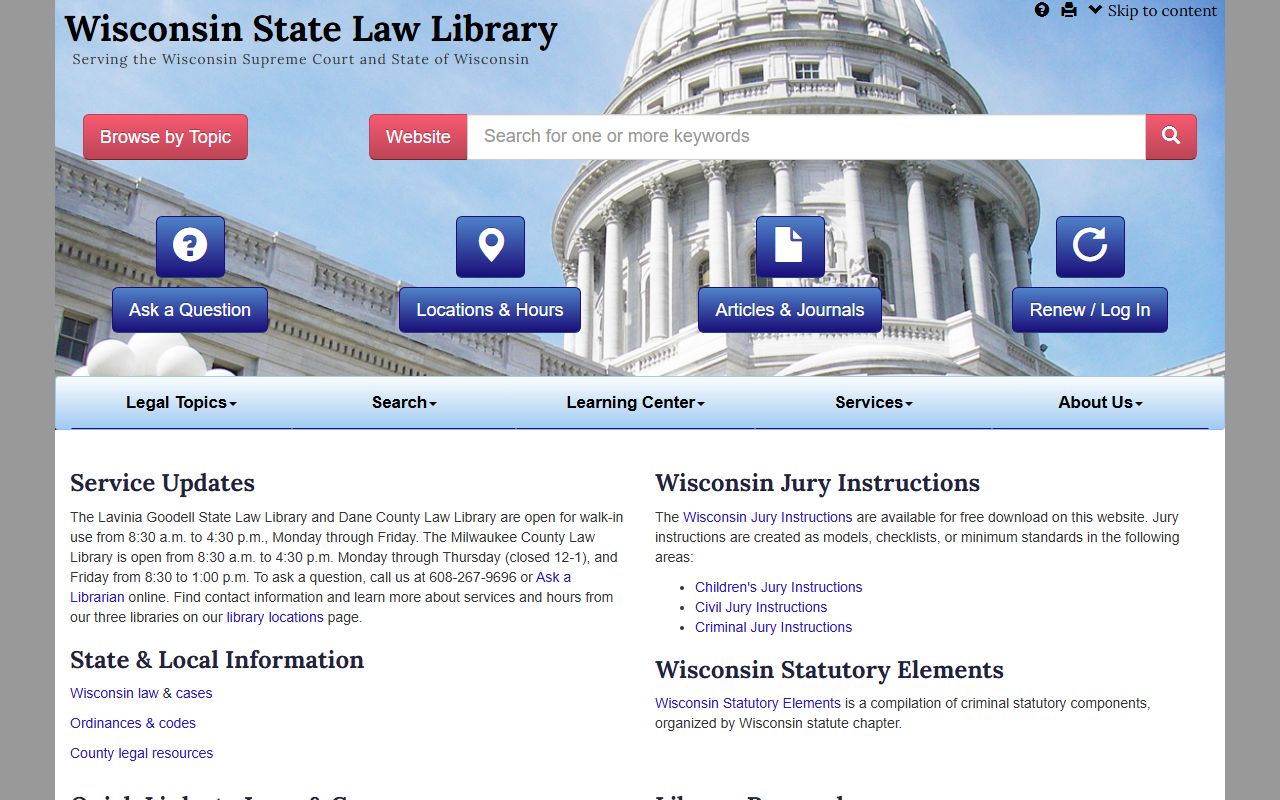
That law library view is a reminder that the best search is often the one that uses both a public index and a research source, not one or the other alone.
Two Rivers People Search and Custody Checks
When the record question turns into a custody question, the state tools are usually more useful than the city police desk. The Department of Corrections locator can tell you whether the person is tied to a public supervision or custody record, which is a different issue from a local incident report. That distinction matters because a city office may know about the event that led to the record, but not the current status of the person.
If you already have a name, the best workflow is to check the state locator first, then decide whether the city clerk, police office, or court source is the right next stop. That keeps the search orderly and prevents repeated calls to offices that do not control the record you need. Two Rivers People Search works best when each office is used for the type of information it actually holds.
Putting Two Rivers People Search Together
A good Two Rivers search starts local and widens only when the record trail demands it. Use the police department for incident-related records, the city clerk for municipal files, WCCA for public court confirmation, and the state research tools when you need to verify identity or status. That sequence keeps the search practical and lowers the chance that a request gets lost because it began at the wrong desk.
If you need another checkpoint, the Wisconsin Court System, Wisconsin State Law Library, and WCCA pages give you a reliable public route for the next step. They are especially useful when the city clue is incomplete and you want to confirm the right office before making a call or asking for copies.