
Watertown People Search Overview
Watertown People Search works best when you start with the local office that already has the record in hand. In Watertown, that usually means the police department at 106 W. Main Street or the city clerk at the same address, depending on whether you are chasing a report, a city file, or a public records question. If the clue is only a name, an address, or a rough year, the city still gives you a clear first stop. State tools such as WCCA and the Wisconsin Court System then help you see whether the trail moves beyond city hall.
Watertown People Search and City Offices
The Watertown Police Department is at 106 W. Main Street, Watertown, WI 53094, and the phone number is (920) 261-6660 for both the main line and the non-emergency line. That makes it a straightforward first contact when the search starts with a police report, an incident reference, or another record that belongs to the department. If you already know the person or event you are trying to trace, asking the police office first keeps the search tied to the office that actually created the record instead of sending you through a general city desk.
The city clerk is at 106 W. Main Street as well, and the clerk phone number is (920) 262-8000. That office is the better fit when the record is municipal rather than investigative, such as a city file, an agenda item, or another public document that belongs to the clerk's records path. In practice, Watertown People Search gets easier when you separate the police contact from the clerk contact before you begin. The two offices are close enough that the right one can usually be reached without much guesswork once you know the record type.
For a broader court check, the statewide case index at WCCA is the cleanest way to confirm whether a city clue has turned into a public circuit court record. That is helpful when a name or date appears in more than one setting and you need to know whether the local office is the final stop or only the starting point. The image below matches that idea because a statewide case screen often tells you faster than a phone call whether you are still dealing with a city file or moving into court territory.
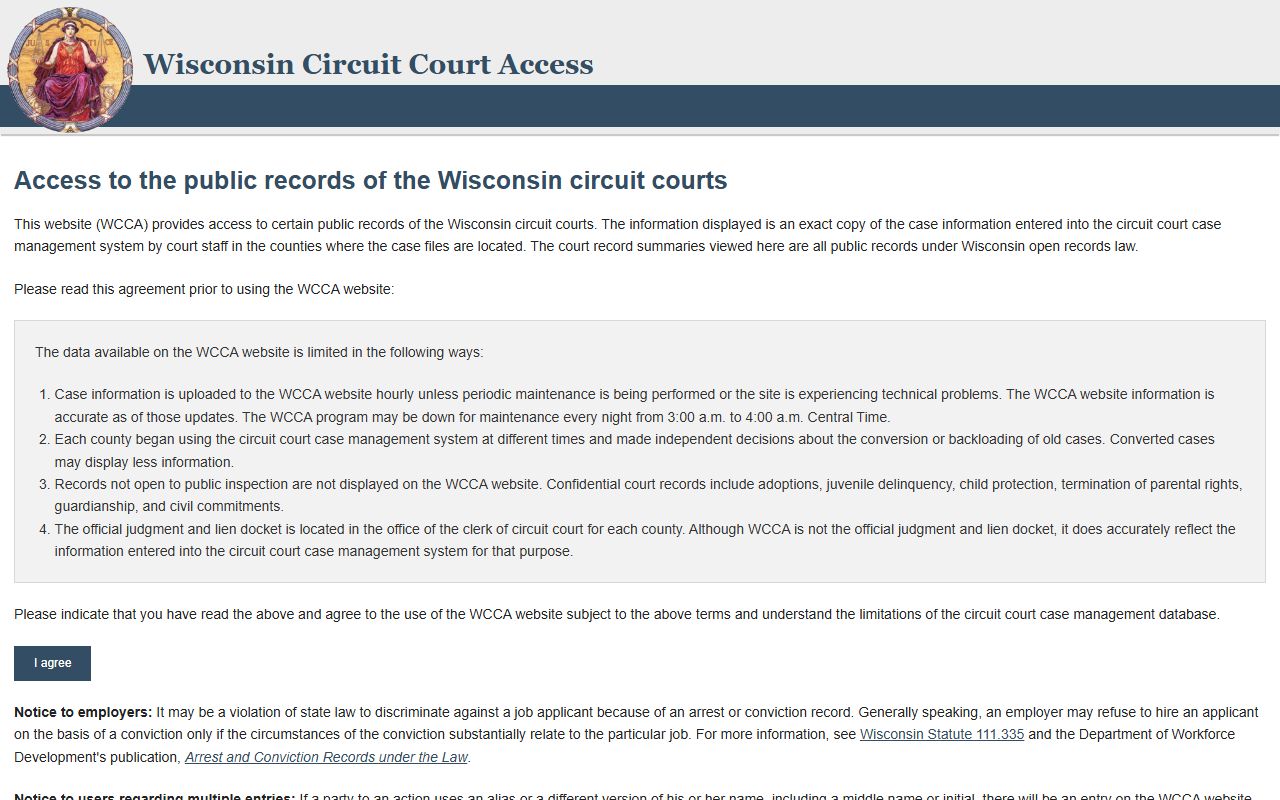
That WCCA screen is useful when you want to test a name against the public court index before you ask the clerk for a copy or a deeper search.
Watertown People Search and Court Records
Once a Watertown search looks like a case rather than a city note, the Wisconsin court system becomes the next useful layer. The public case index at wcca.wicourts.gov lets you confirm whether a person appears in a searchable court record, while the broader Wisconsin Court System site explains how the state courts are organized. That combination is helpful because a name alone does not always tell you which office owns the file. A statewide court check can show whether the search belongs in a circuit court context before you spend time on the wrong desk.
Watertown People Search becomes much more predictable when you pair the name with a second detail, such as a date, a case number, or the type of matter you expect to find. WCCA is especially useful in that situation because it gives you a public confirmation layer before you ask for anything beyond the index entry. The court system page adds context when you need to understand where a public case fits in the state structure. If the city office only gave you part of the answer, these two links help you see what comes next without leaving the official court sources.
The Wisconsin court system home page at wicourts.gov is a practical companion to WCCA because it keeps the broader state court structure in view. That matters when a local clue is ambiguous and you want to compare the public case index with the court system before making another request. The image below sits well in that section because it shows the court-system side of the search, not the city desk side, and that distinction is exactly what helps a Watertown search stay organized.
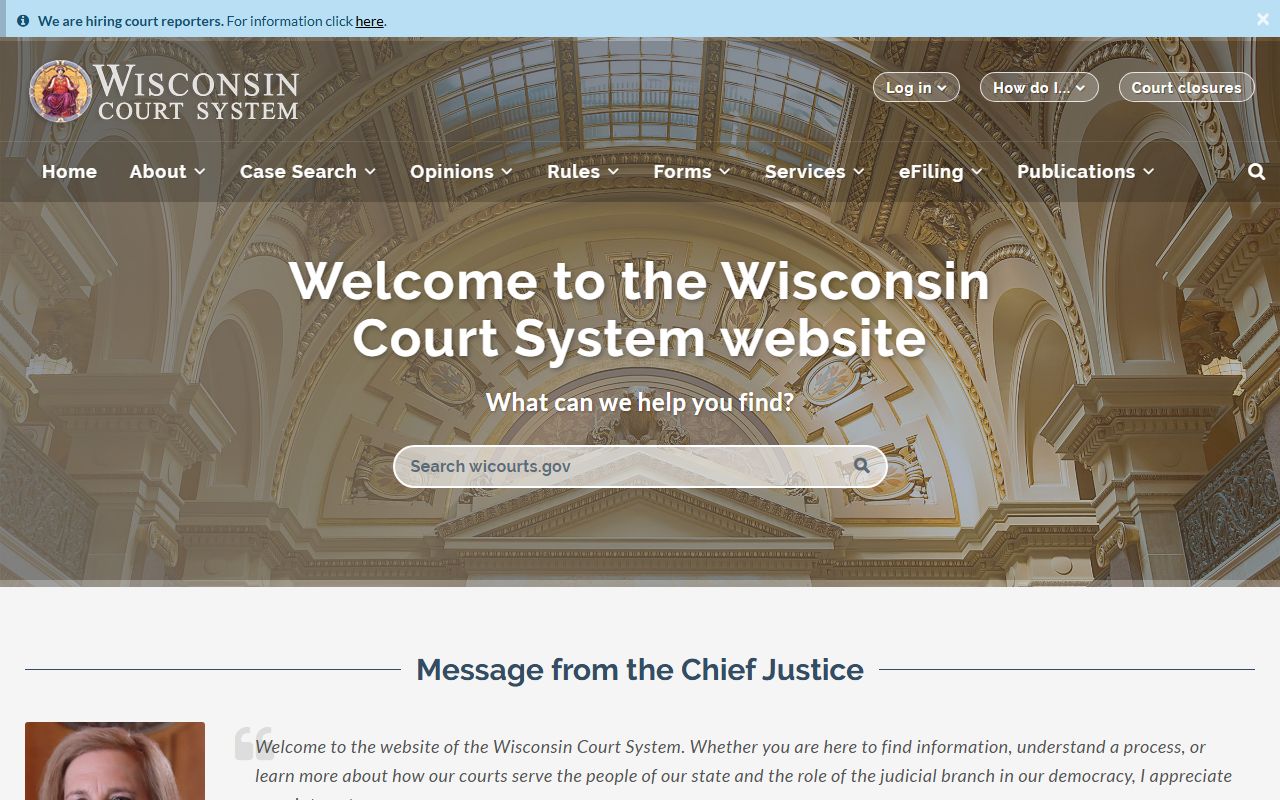
That statewide court-system view is a good reminder that a Watertown record can start locally and still end up in a public state court file.
Watertown People Search and State Records
Some Watertown searches move beyond city records and into state-held information that helps identify the person or confirm the context around the name. The Wisconsin Department of Health Services vital records page at dhs.wisconsin.gov/vitalrecords/index.htm is the public state reference for birth, death, marriage, and related record questions. It is not a replacement for a city office, but it can help you verify the identity side of a search when the local trail is incomplete or when the person appears in more than one official setting.
If the search has a corrections angle, the Department of Corrections locator at appsdoc.wi.gov/lop is the state tool to check. That source is useful when a name is connected to custody status, supervision, or another public DOC reference that is separate from Watertown police or clerk records. The state page gives you a clear confirmation point before you decide whether the local office, the court system, or a corrections office should be the next call. It keeps the search grounded in a public source instead of relying on speculation about where the person might appear.
The image below fits this part of the page because a state record search usually needs context, not just a name. The Wisconsin vital records page is the right place to compare an identity clue against an official state record path, and it can help you decide whether the search is about a family record, a life event record, or a different office entirely. That is especially useful in Watertown when the local record is only one piece of a larger public trail.
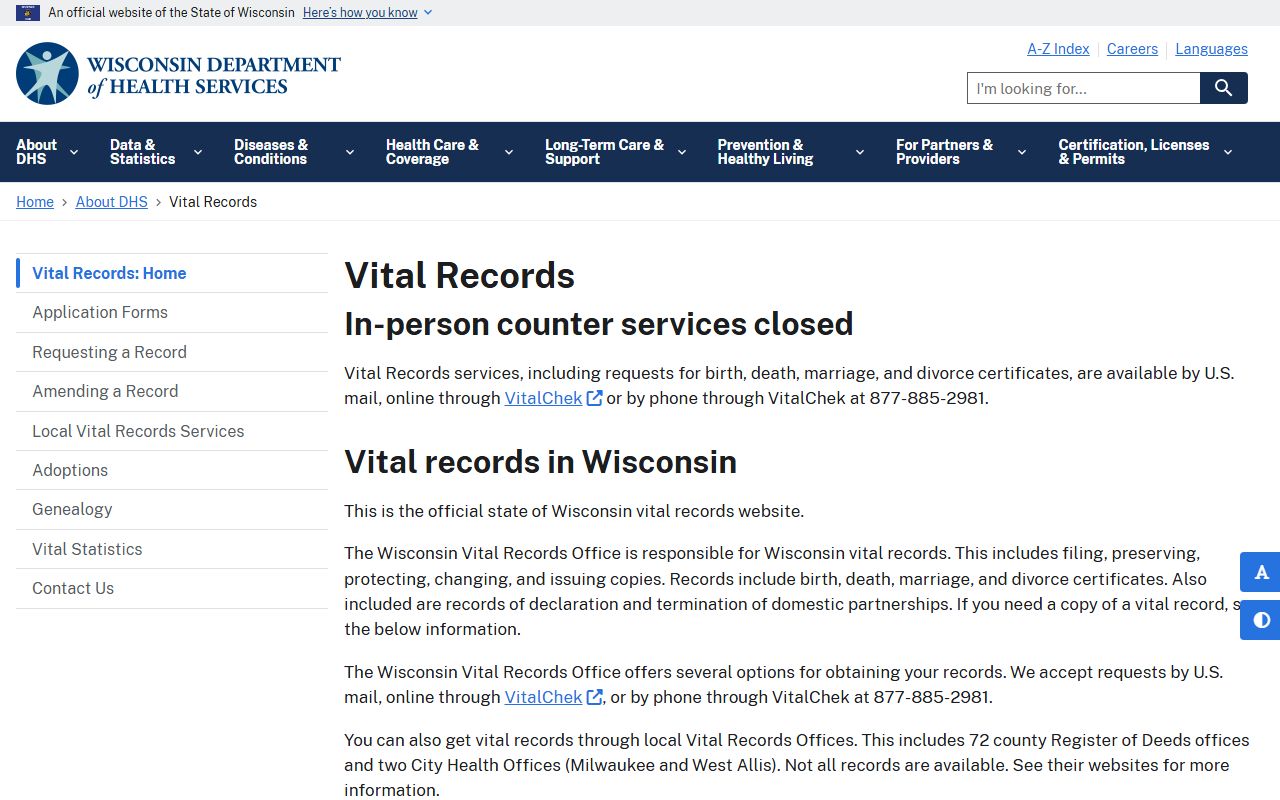
That image belongs here because state vital records often answer the identity side of the search before you ever need to ask for a city copy.
Watertown People Search Next Steps
When Watertown People Search still feels incomplete after the local office checks, the best move is to compare the city record with the statewide sources instead of restarting the search from scratch. The city clerk at (920) 262-8000 can confirm whether a municipal file belongs in the clerk's office, the police department at (920) 261-6660 can confirm whether a request belongs in a public safety file, and WCCA can tell you whether the name also appears in court. That sequence keeps the search focused and reduces the chance of asking the wrong office for the wrong document.
The state research tools can also help you fill in the gaps that a city office cannot answer by itself. The Wisconsin State Law Library is useful when you need a broader research path for court-related questions, while MyVote Wisconsin can help with voter information and public registration context when you need another clue about a person's presence in the state system. Those sources do not replace police or clerk records, but they do make a Watertown search more complete when the local trail is thin. A careful search usually works better when city and state records are checked together rather than one at a time.
For a final pass, keep the city office details, WCCA, the Wisconsin Court System, and the state record pages open together. That gives you a practical sequence for a name search, a city file search, or a court check, and it makes it easier to move from a local clue to the right official source without guessing. If you want to compare another angle after that, the search widget above is still available for a broader public-records query.