
Outagamie County People Search Records
Outagamie County People Search helps you move from a name to the right office fast. Start with the clerk, sheriff, and register of deeds, then add Appleton sources when you need a fuller local picture. The county puts several useful records in plain view, but each office handles a different part of the trail. That means the best search usually starts with one clear name, one rough date, and one office to check first.
Outagamie County People Search Basics
The best place to begin is the statewide court portal at Wisconsin Circuit Court Access. It covers public circuit court records from all 72 counties and is the fastest way to check whether a case exists before you ask for paper copies. In Outagamie County, that matters because the clerk, sheriff, and register of deeds each hold a different slice of the record trail. A court case may show up in WCCA, while a custody question may live with the sheriff, and a property clue may sit in land records.
County searches work best when you keep the purpose narrow. If you are looking for a person tied to a court file, start with the clerk. If you are trying to confirm custody, jail status, or a recent report, start with the sheriff. If the name is tied to a home, inheritance, or older vital record, the register of deeds may be the better route. Outagamie also has strong city-level sources in Appleton, so a local search can move from the county site to the city site without much guesswork.
Source: Outagamie County main page.
The county home page is a useful starting point when you need to branch out from court data into county departments.
Source: Outagamie County portal.
The portal gives you another path into county services when a direct office page is not the best fit.
Outagamie County Clerk of Courts
The Outagamie County Clerk of Circuit Courts is the main office for circuit court records in the county. The office is in the Justice Center at 320 South Walnut Street in Appleton, WI 54911. The main phone number is (920) 832-5131, record requests go to (920) 832-5130, and the fax number is (920) 832-5115. Chief Deputy Diane Leith helps oversee the office, which is the right place to ask about case files, certified copies, and court record access.
The clerk page makes it clear that you can complete record requests over the phone, by fax, or through a written request if you need help paying by credit card. That is useful when you are not near Appleton or when you already know the case name but need a copy mailed or sent after payment. Copies are $1.25 per page, and certified copies are $5 per document. Those prices are simple, but the process still works best when you have the party name and the rough case year ready before you call.
Source: Outagamie County Clerk of Circuit Courts.
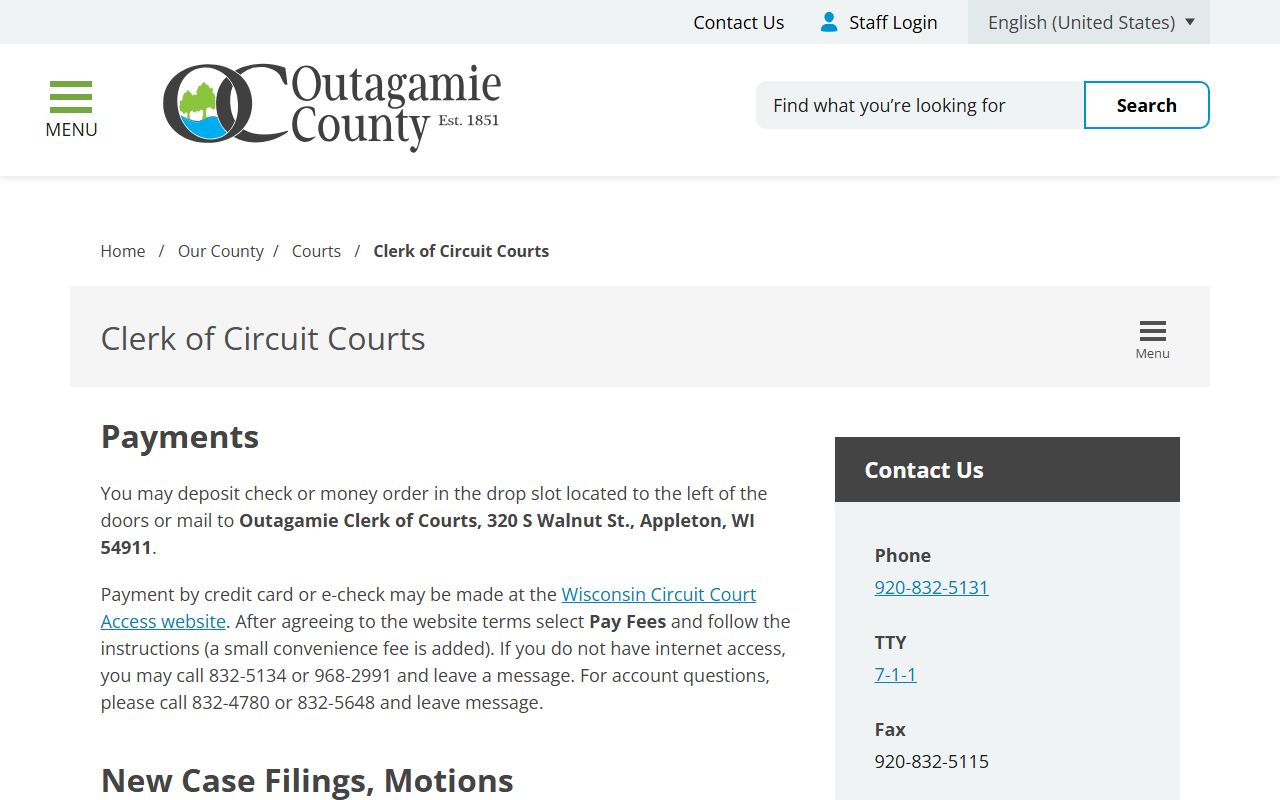
The clerk office is the core court-record stop for most People Search requests tied to an active or closed case.
Outagamie County People Search and Deeds
The Outagamie County Register of Deeds serves as the county repository for real estate and vital records. It is located at the Justice Center, 320 South Walnut Street, Appleton, WI 54911, which keeps it close to the clerk. That matters for people search work because a name can surface in a deed, a birth or death record, or another filing that helps confirm the person behind a court reference. The office also handles genealogy visits, so it can be a practical stop when a search reaches back into older family records.
Outagamie uses paid online access through LandShark and related paid services such as Tapestry or Laredo for document searching. The county also describes real estate information and document-copy options on its deeds pages, which is useful when you need land records instead of a court file. The phone number for vital records is (920) 832-5095, and the alternate land records line is (920) 832-5114. If a person search turns into a property search, the register of deeds is where that trail usually ends.
Outagamie County Sheriff and People Search
The Outagamie County Sheriff's Office is another key place for Outagamie County People Search work. The office is at 3030 East Goodland Drive in Appleton, WI 54911, with the main non-emergency number at (920) 832-5605 and the fax at (920) 832-2599. When you call for records, option 2 routes you to the right staff. The page also points people to open records requests and lists the office as a practical source for accident reports, community concerns, and custody-related questions. If you need a fast records route, the sheriff's office records staff can be a better first call than waiting on a broader county queue.
One useful detail is the county inmate list, which is refreshed every 30 minutes on the sheriff site. That makes it a strong check for current custody, especially when you are trying to confirm whether a person is still in the jail or has moved on. Outagamie also points people to VINE for inmate search use, which helps when you want a second source for custody status. The county notes that detailed report copies can be picked up for $0.25 per page and can also be faxed or mailed, so there is some flexibility if you are not in Appleton.
Source: Outagamie County Sheriff's Office.
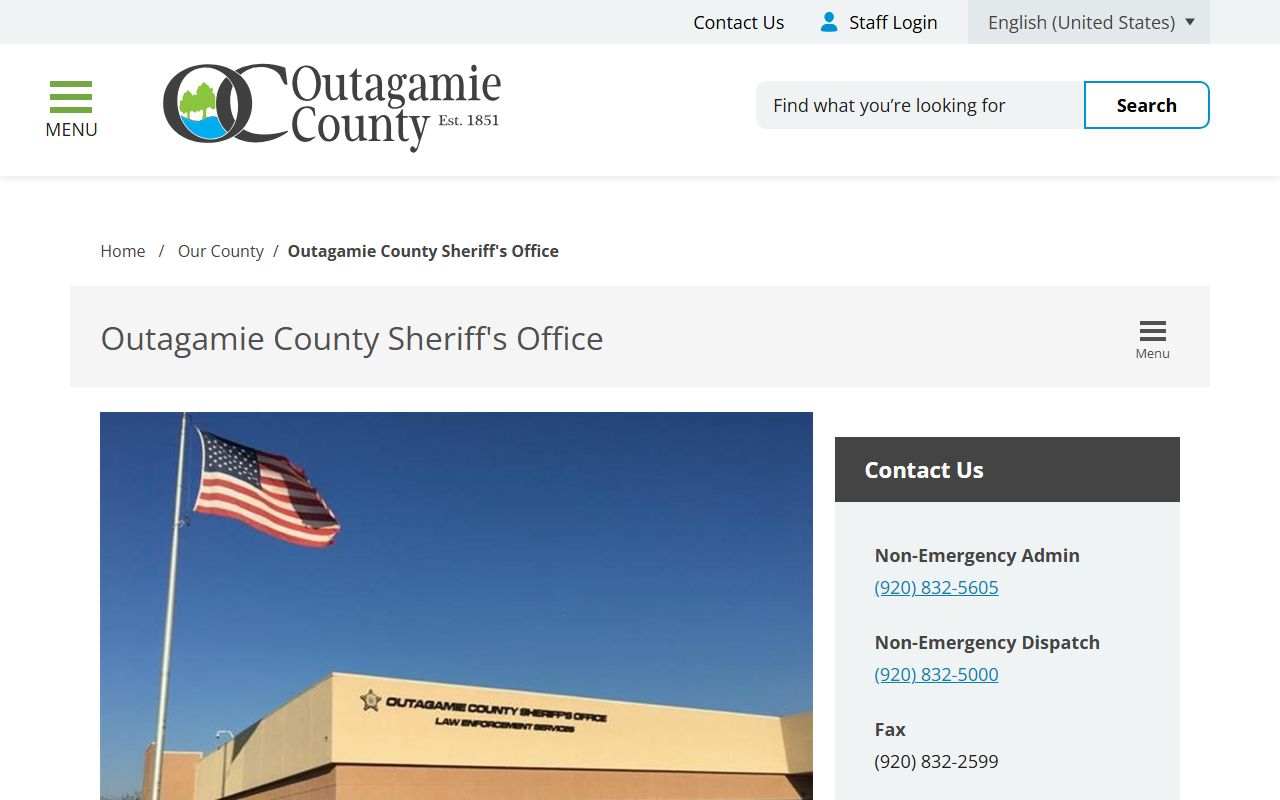
The sheriff office is where many current custody and report questions start.
Source: VINE for inmate search.
VINE adds a second path when you need a statewide custody check that is not limited to one office.
Appleton People Search Sources
Appleton adds a local layer that is worth checking when your Outagamie County People Search leads need more detail. The Appleton Police Department asks for records requests in writing, with specific incident details, and notes that requests usually take 5 to 10 business days. The police department is at 222 S. Walnut Street, Appleton, WI 54911, and the non-emergency line is (920) 832-1575. That makes it a practical source for incident reports when a name appears in city-level law enforcement records rather than a court file.
The city itself is also useful when a search needs a broader municipal path. The City of Appleton homepage can lead you toward departments, services, and other local references that matter when a person has a city footprint in addition to a county one. Appleton Municipal Court sits at 100 N. Appleton Street with phone number (920) 832-6150, and it is the right office when the matter is tied to traffic or ordinance work instead of a circuit court case. That distinction matters because the wrong office can waste time even when the name is correct.
Source: Appleton Police Department.
Appleton police records often fill in the local incident detail that court data does not show.
Source: City of Appleton.
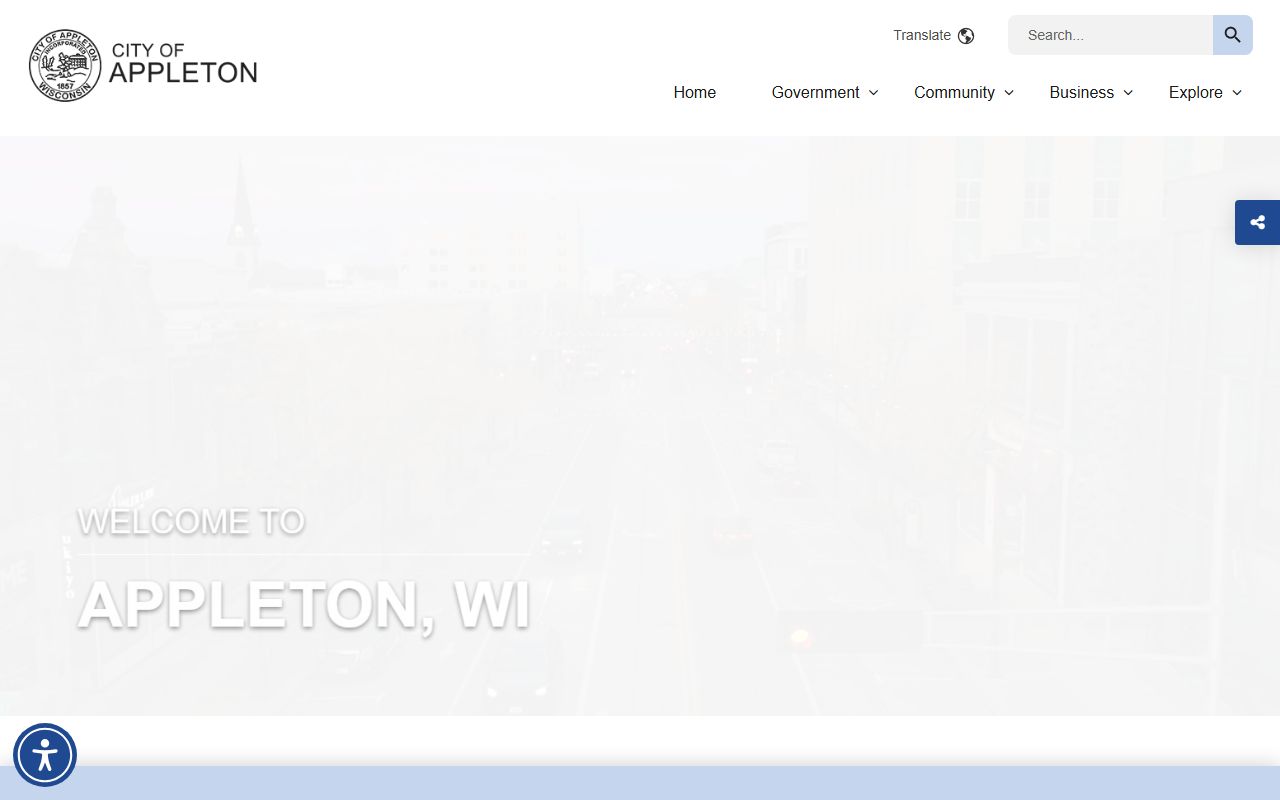
The city homepage is a clean entry point when you need a municipal route for a local search.
Outagamie County People Search Tips
A strong search usually starts with the right office and the right level of detail. If you have a court date, use the clerk. If you need a jail or custody check, use the sheriff or VINE. If the person appears in land, marriage, death, or old family records, shift to the register of deeds. The county works well when you do not try to force one source to do every job. A clean name, a date range, and one office phone number can often get you to the answer faster than a broad open-ended search.
It also helps to remember that WCCA shows public case data, not every paper in a file. If you need the actual document, the clerk or register of deeds is where copies come from. Appleton sources can add incident-level context, but they do not replace the county record. When you keep those lines clear, Outagamie County People Search becomes much more efficient and much less frustrating. The best results usually come from moving in stages rather than trying to pull every record at once.